Using different language WebInterface

Hallo,

I am trying to use another language for webinterface. i have installed module translation and got package from L10n/locale/nl_NL/LC_MESSAGES at main · Icinga/L10n · GitHub. After restarting apache2 i have chose differents languages but the page is not translating,

Any NL user using Dutch translation ??

Hi Egor,

to get the translation feature in Icingaweb2 to work you have to make sure the corresponding language locals are installed on the server you are running your icingaweb2 instance.
If that’s the case then the translations are working fine as you can see in the provided screenshots.

Here are the steps I made to get this working.

First I checked whether the necessary language locals were available
locale -a

For me this was not the case so I had to install them
sudo locale-gen nl_NL.UTF-8
sudo locale-gen nl_NL

Then I created the directory nl_NL under /usr/share/icinga-L10n/locale/
and also the subdirectory LC_MESSAGES in the earlier created folder.

The icinga.mofile from your linked github link needs to be put inside the LC_MESSAGES folder.

Afterwards you need to restart your webserver and should be able to choose the dutch language in the icingaweb2 dialog.

If you need any further help feel free to ask in detail.

Greetings Christoph

3 Likes

Well i had already the package installed

/usr/share/icinga-L10n/locale/nl_NL/LC_MESSAGES$

even after installed locals i did check again with locale -a getting only

C
C.utf8
en_US.utf8
POSIX

On webinterface i can chose the langueage but stil after saving the config its stil keep English

Do you have php-intl or php5-intl installed?

even after installed locals i did check again with locale -a getting only

C
C.utf8
en_US.utf8
POSIX

Sounds like local-gen didn’t work. Which OS do you use?

Yes we have php-intl installed on debian 13

ii php-intl 2:8.4+96 all Internationalisation module for PHP [default]

Is nl_NL.UTF-8 UTF-8 in /etc/locale.gen and the # in front removed?
If so run sudo locale-gen and locale -a again and post the output please.

1 Like

Generating locales (this might take a while)…
en_US.UTF-8… done
fy_NL.UTF-8… done
nl_NL.UTF-8… done
Generation complete.
after reloading apache2 and reloging from browser, stil not translating.

So you can see your requested locales via locale -a?

@cbreit maybe you need to take over?

Hi Egor,

I recognized the same behaviour as @rivad that the sudo locale-gen command does not seem to work as intended. On Debian 13 there is also a gui tool for configuring the locales
sudo dpkg-reconfigure locales with this tool everything works fine for me and the necessary locales will be installed correctly.
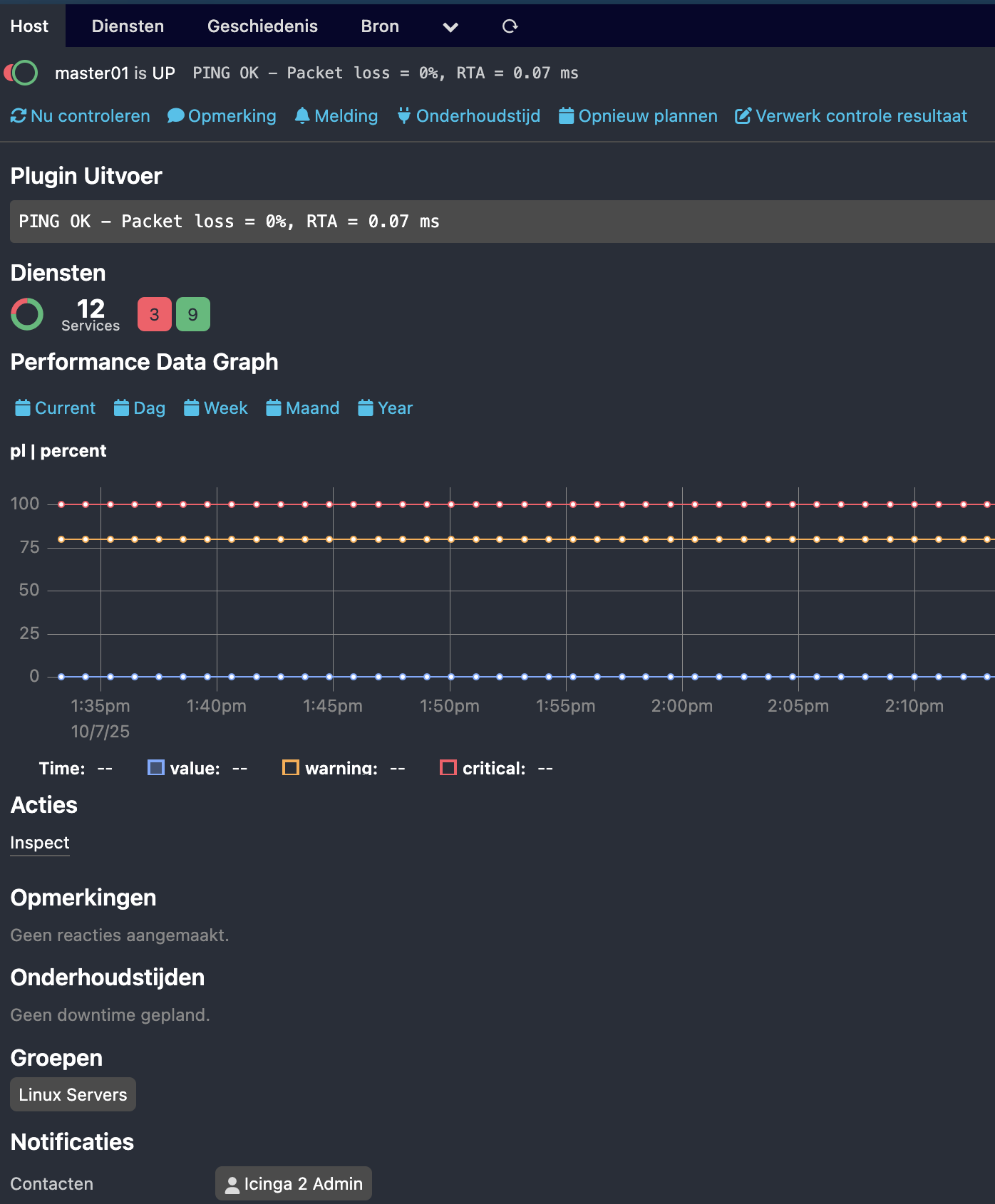
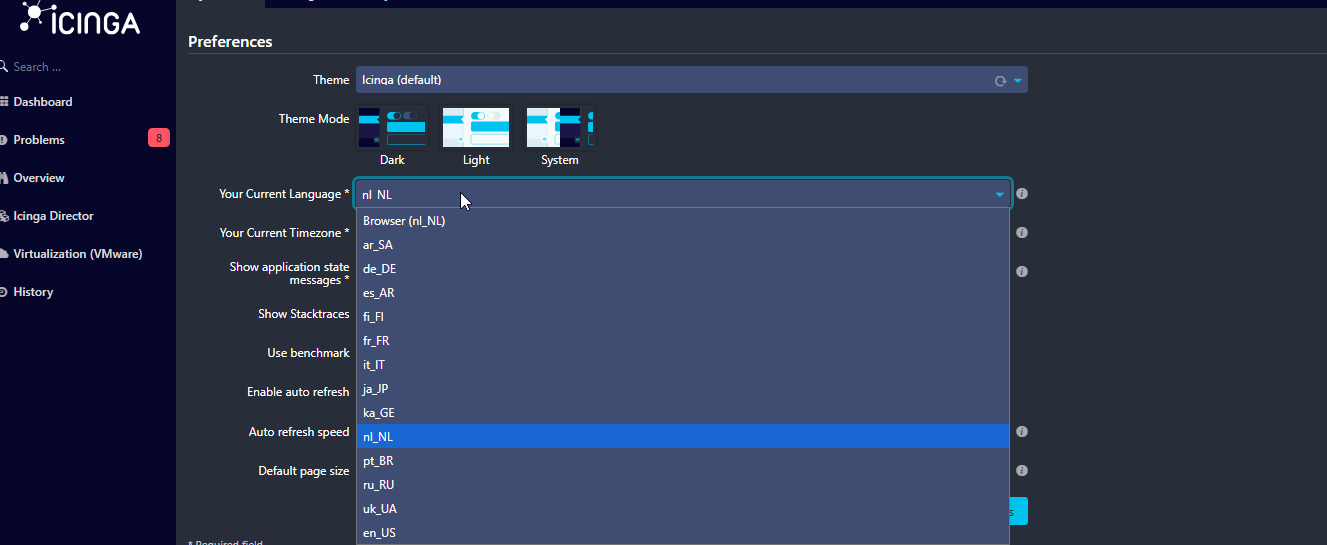
Hope this helps to fix your issue

1 Like

Yes with dpkg-reconfigure locales i can finnaly set up NL languages. Thank you for your help guys.

2 Likes