Token Authentication fails with icingaweb2-module-perfdatagraphs-influxdbv2

Hi!

could someone pls verify that there is a problem with token authentication with the new module Version 1.1.0

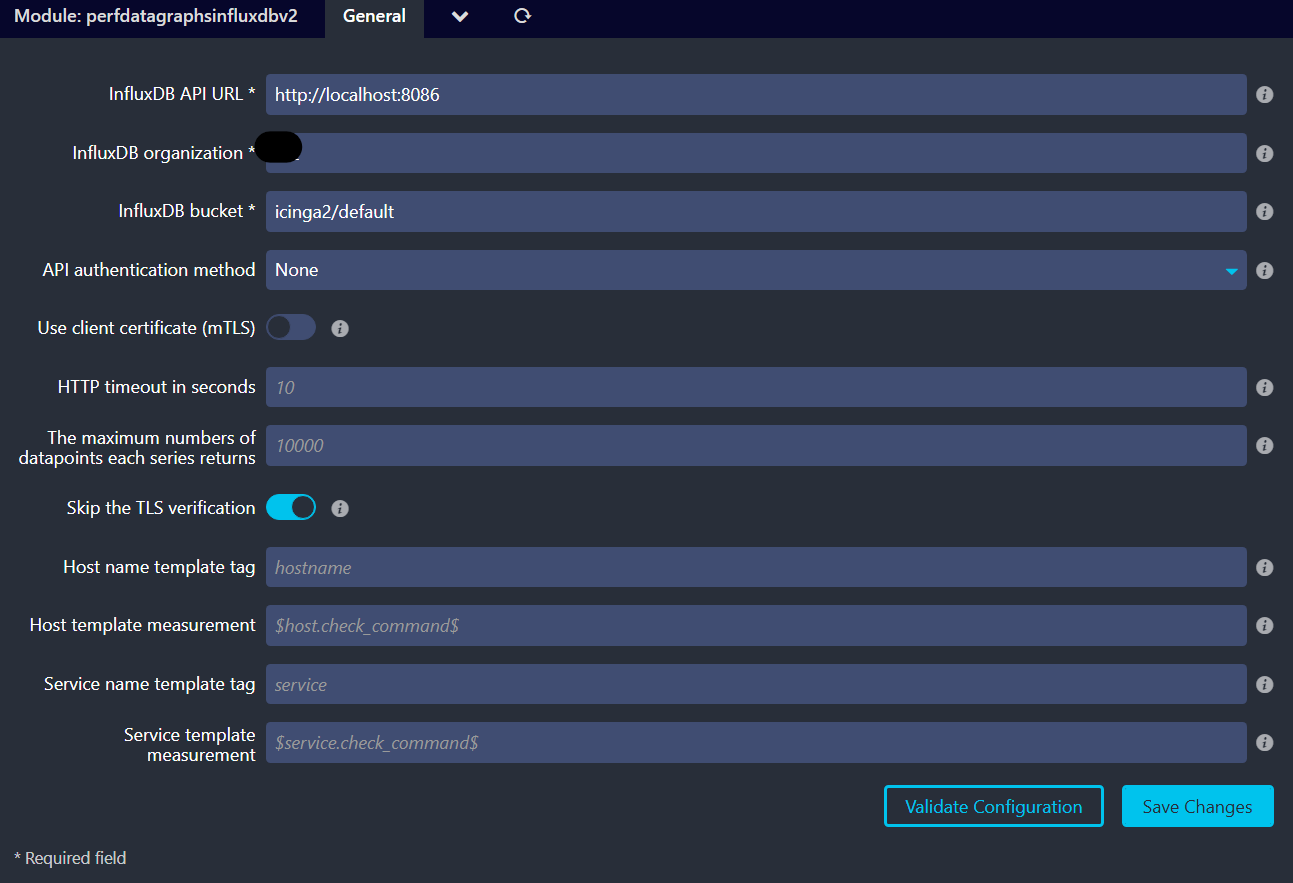
obviously the token or authentication method can not be saved permanently via webui.

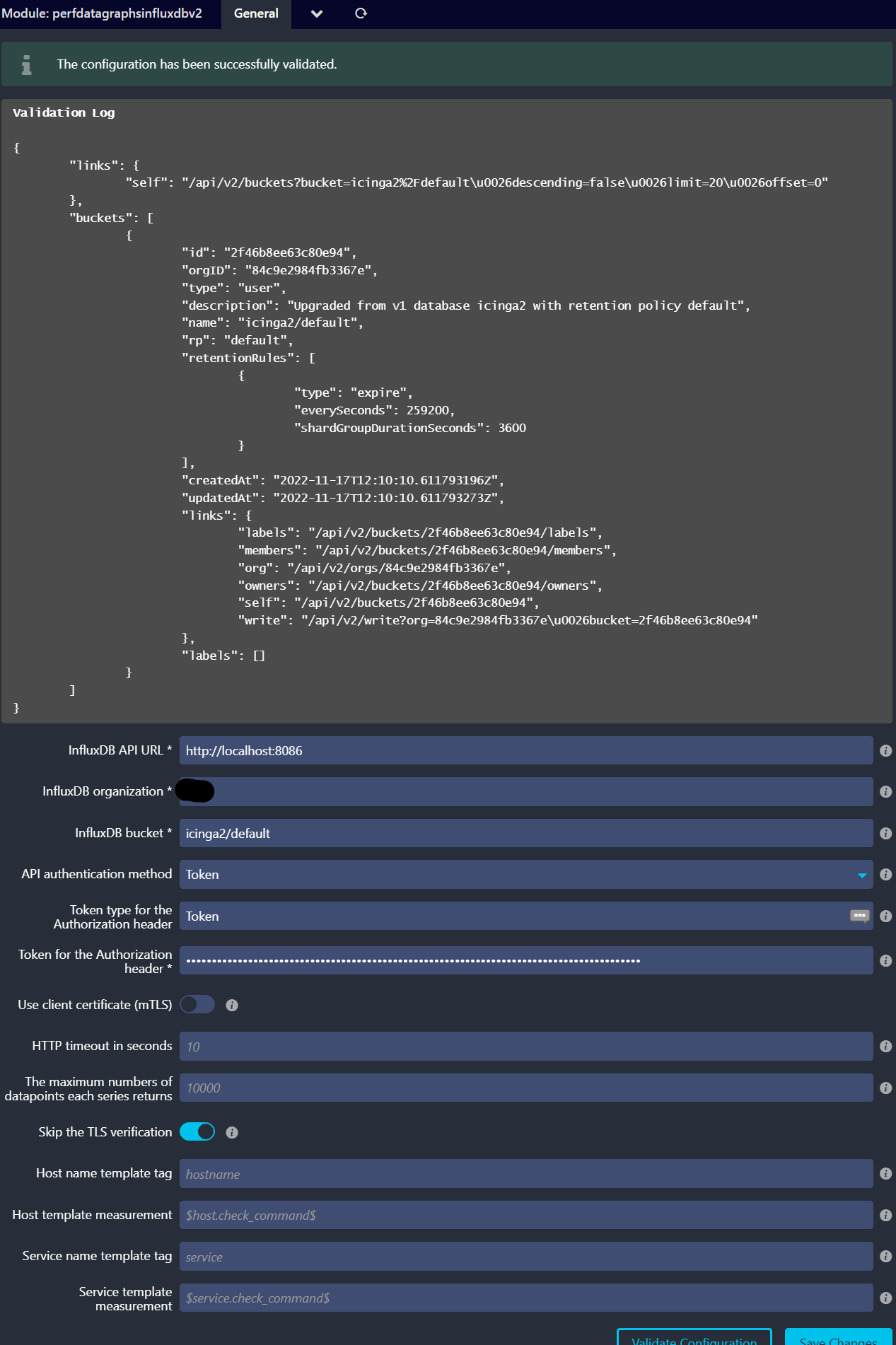
When I checked wether the token is valid it was indeed missing for some reason. Afterwards I selected again token authentication and entered the token and validation succeeded.


026-10-14T15:36:10+02:00 - DEBUG - Calling query API at http://localhost:8086/api/v2/query with count query: {"stream":true,"headers":{"Content-Type":"application\/json","Accept":"application\/csv"},"query":{"org":"example"},"json":{"query":"from(bucket: \"icinga2\/default\")|> range(start: 1791941770)|> filter(fn: (r) => r._measurement == \"procs\")|> filter(fn: (r) => r[\"hostname\"] == \"example.local\")|> filter(fn: (r) => r[\"service\"] == \"Process [sssd]\")|> count()","type":"flux","dialect":{"header":true,"delimiter":",","annotations":["datatype","group","default"],"commentPrefix":"#"}}}

obviously the token was not send to the influxdb-api even though the influxdbv2-config is valid.


When going back to the perfdatagraphsinfluxdbv2 config the token config is reseted again. Obviously it cannot be saved permanently. Can someone confirm this behaviour with the new module-version 1.1.0?

Hi, thanks for using my module!

Just to be sure, the “Validate Configuration” button does not store the form in the .ini file. It just takes whatever is in the form and makes a test request.

The “Save Changes” button stores the form in the .ini file

You can validate the current values in the file

cat /etc/icingaweb2/modules/perfdatagraphsinfluxdbv2/config.ini
[influx]
…

Are we sure the config is stored in the file?

Hi, thank you for the module :smiley:

Just to be sure, the “Validate Configuration” button does not store the form in the .ini file. It just takes whatever is in the form and makes a test request.

Ah ok, u right, so obviously its not a save but a “read config” issue from the module. The config is valid and stored under /etc/icingaweb2/modules/perfdatagraphsinfluxdbv2/config.ini
But the module cannot read it for some reason. Its definitely no permission problem cause if I role back to the previous 0.3.1 version it works again as expected and the config is also read in correctly.

# ls -l /etc/icingaweb2/modules/perfdatagraphsinfluxdbv2/config.ini
-rw-r-----. 1 apache icingaweb2 302 Mar 19  2026 /etc/icingaweb2/modules/perfdatagraphsinfluxdbv2/config.ini
# cat /etc/icingaweb2/modules/perfdatagraphsinfluxdbv2/config.ini
 [influx]
api_url = "http://localhost:8086"
api_org = "exampleorg"
api_bucket = "icinga2/default"
api_token = "XXX"
api_tls_insecure = "1"

Hi,

Breaking changes have been introduced with v1.0.0, affecting the configuration options:
icingaweb2-module-perfdatagraphs-influxdbv2/CHANGELOG.md at main · NETWAYS/icingaweb2-module-perfdatagraphs-influxdbv2 · GitHub

The configuration options need to be modified from the Icingaweb gui. I had to re-generate a token.

Hope this helps,

Jean

Thank you and sry for overlooking the responsible changelog!
When using the new scheme of option names its working:

[influx]
api_url = "http://localhost:8086"
api_org = "example"
api_bucket = "icinga2/default"
api_auth_method = "token"
api_auth_tokentype = "Token"
api_auth_tokenvalue = "XXX"