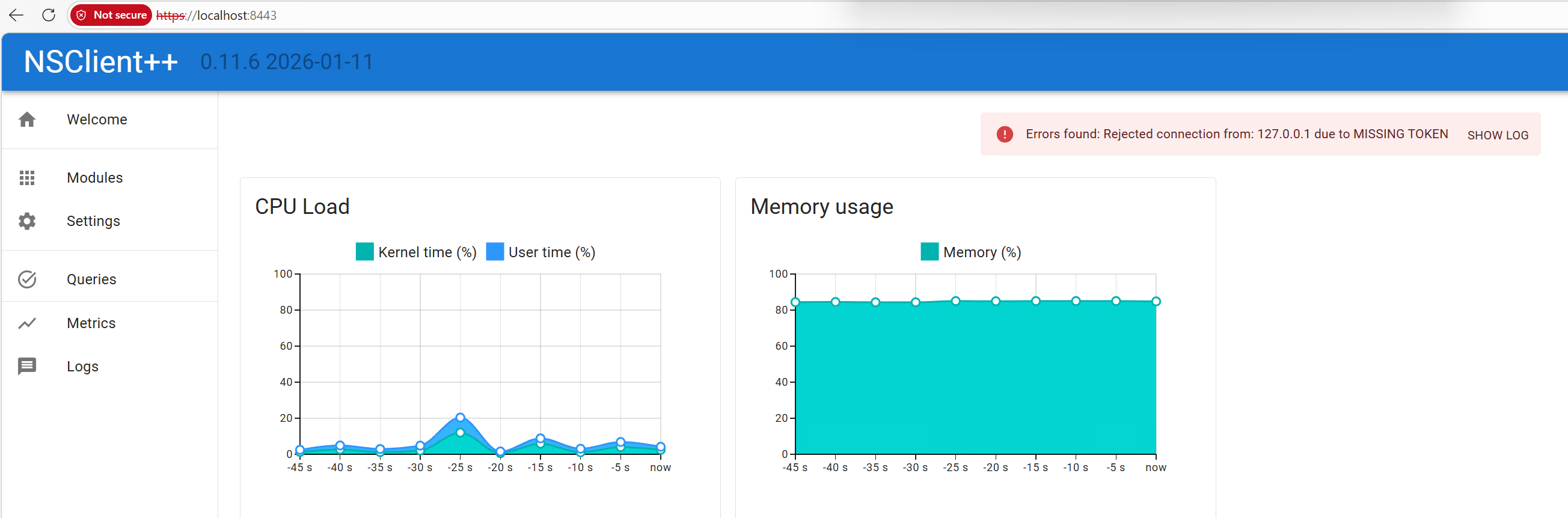
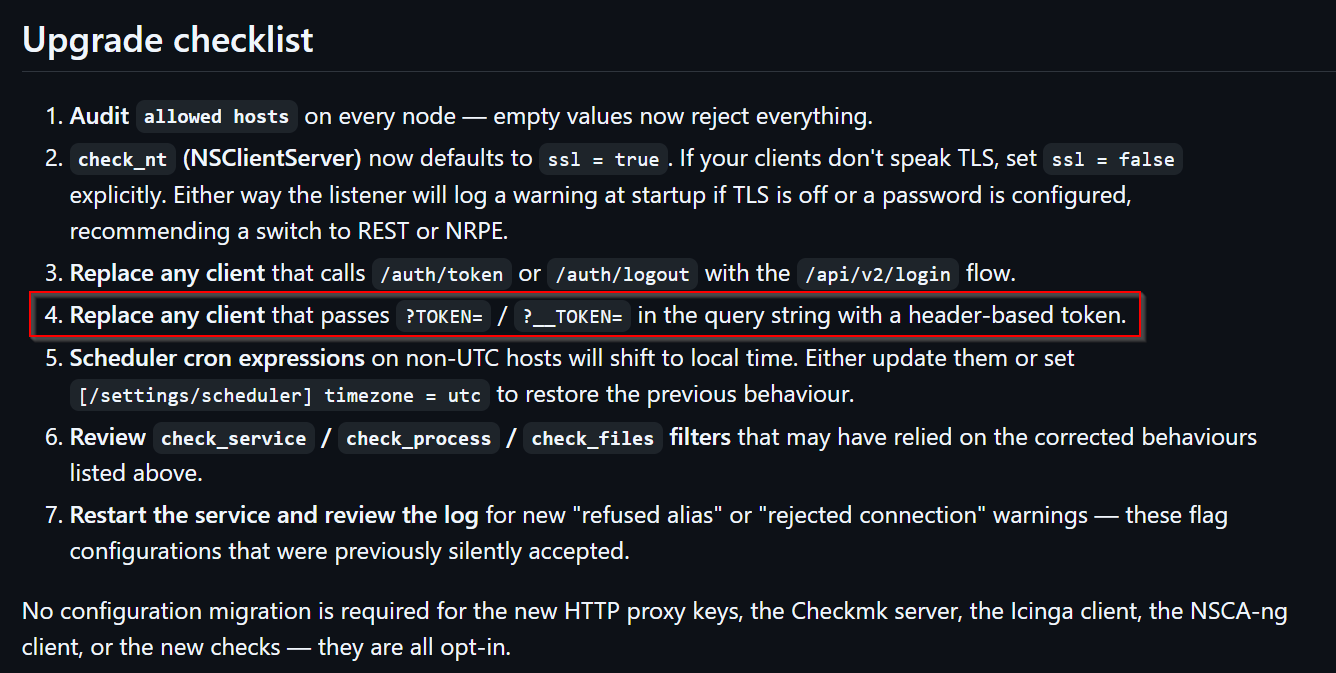
The setup works well, but I added a new machine and installed NSClient++ v11.8 on it and I am getting 403 errors in Icinga2. Looking in nsclient.log I am getting these errors every time I try to run a service that uses NSClient. Icinga2 basic services work fine. I have not altered the nsclient.ini file.
Locally NSClient++ seems to run its own checks just fine:
I have pinpointed the exact NSClient++ version where this stops working as 0.11.6. The error occurs both on a fresh install of nscp and upon upgrading a previous version.
Icinga2 version: r2.16.0-1
Enabled features: api checker command icingadb influxdb mainlog notification
I just don’t do anything myself with the tokens so I don’t really know what to change. I wonder if this is something to do with the nscp plugin for Icinga2 itself. I’d be curious to see if anyone has the same problem (I haven’t found anything online right now).
This is the first time I am seeing this, but we commonly no longer deploy NSclient++ in our customer setup since it became stagnant a few years ago, so there is not a lot of data.
Thank you for reporting this. This might be a good starting point for people with the same issue.
AFAIK, Icinga 2’s check_nscp_api does not make any use of tokens, but passes the password as an additional HTTP request header.
It was a bit hard for me to skim over the latest changelogs and pinpoint something specific, so I would guess reporting this to the nscp bug tracker would be a good idea.
Thanks for the replies and suggestions. NSClient++ has since reportedly patched the issue in version 0.12.4. I haven’t had time to test it yet but I will report when I have.