This sounds like there might either not be a notification for that Host object (in Icinga Web 2, when visiting that Host is there a section “Notifications” and are the “Contact” fields empty or not?) or sending the notification might have failed.
So, if i summarise what I understand, a notification must be sent from B (master) as soon as A (agent) can no longer reach B.
Assuming this is correct, I would define on B an object whose status is passively set from A at regular intervals, and a notification being sent if the last status update was sent more than x minutes ago.
The cluster-zone as host check should already result in you receiving host notifications about the host going down. My guess, you need to debug you notification settings for the affected hosts.
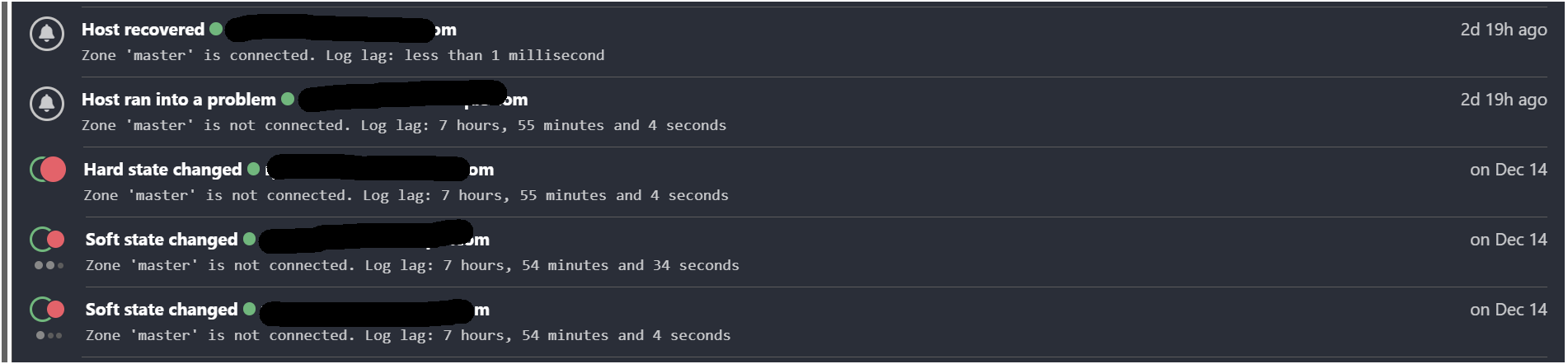
Strange issue, soft changes at 9h36am, 2nd soft changes at 9h37 and hard change at 9h38 but host ran into a problem at 15h40 and at the same time couple seconds later, host recovered.
So the notification for DOWN and UP are at the same time…
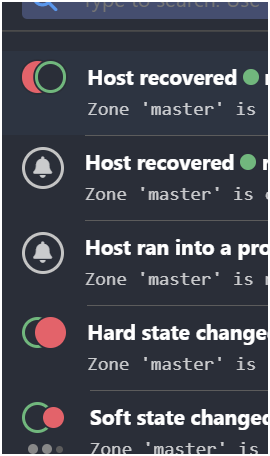
In your picture, the Host ran into a problem Notification wasn’t directly after Hard state changed and I’m missing the state change before Host recovered.
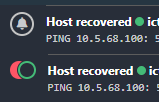
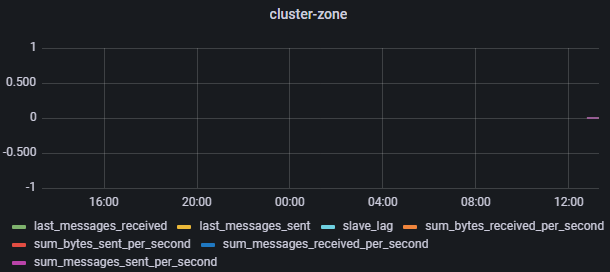
Here an example how from the cluster-zone check in my setup:
Good question, I tried to find information on these “internal” checks (icinga, cluster, cluster-zone), and could not find any info on where they are processed, or how.
I wanted to run them as command line, but I couldn’t find the way…
So says the web interface (and on my instances I have the same), but is it genuinely run on the master node? Could someone familiar with the source code ascertain how it works?
You cant run these builtin checks in the command line as far as i know. They can be run by any icinga2 instance, it depends on the zone configuration/the command_endpoint attribute.
The question becomes - where are they meant to be run?
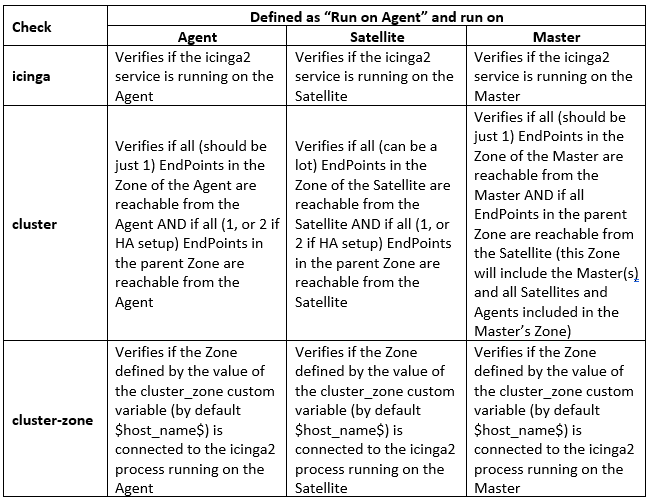
I summarised below what I think the checks are doing. If anyone could verify this, I would be very grateful. Sorry the table is an image, I could not find an easy way to make tables here.
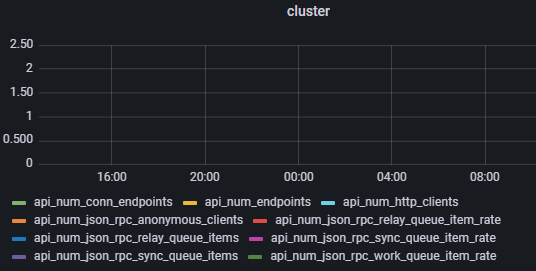
Somewhat related because it could help decide where the command should be run, here is a screenshot of the performance data returned by the cluster command:
@apenning, @lorenz, could you or another insider comment on my last post above, please? I would like to ascertain that what I have written is correct, or have it rectified.