Digging this up and posting an update to this guides "Icinga Director” part
I needed to modify the order in whiche the tables are migrated, otherwise some things were missing (notifications or services for example).
The following steps worked for me:
NOTE: no migration of the historical data of the import or sync rules!
Activity log and deployment log will be migrated.
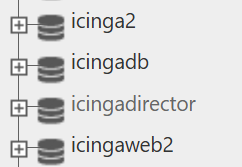
Create Postgres database
CREATE USER icingadirector WITH PASSWORD 'password';
CREATE DATABASE icingadirector WITH ENCODING 'UTF8' OWNER icingadirector;
GRANT ALL PRIVILEGES ON DATABASE icingadirector to icingadirector;
GRANT ALL ON SCHEMA public TO icingadirector;
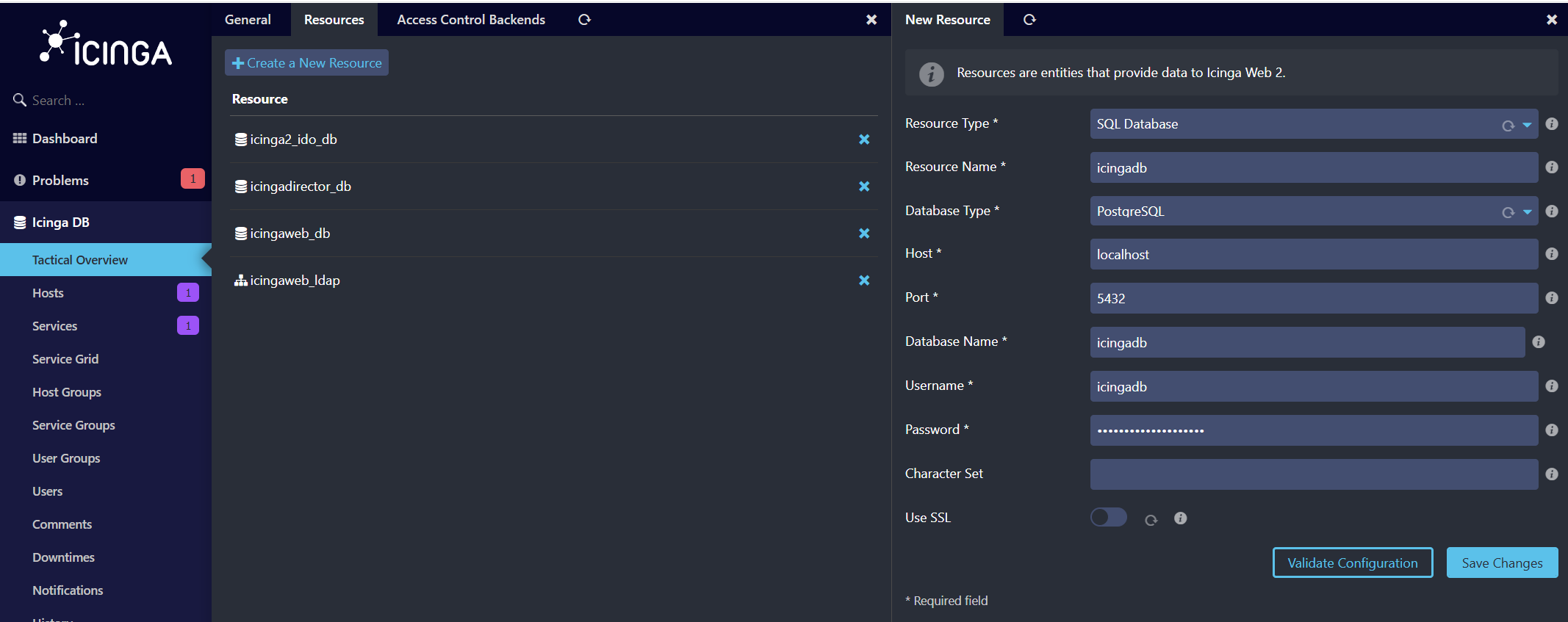
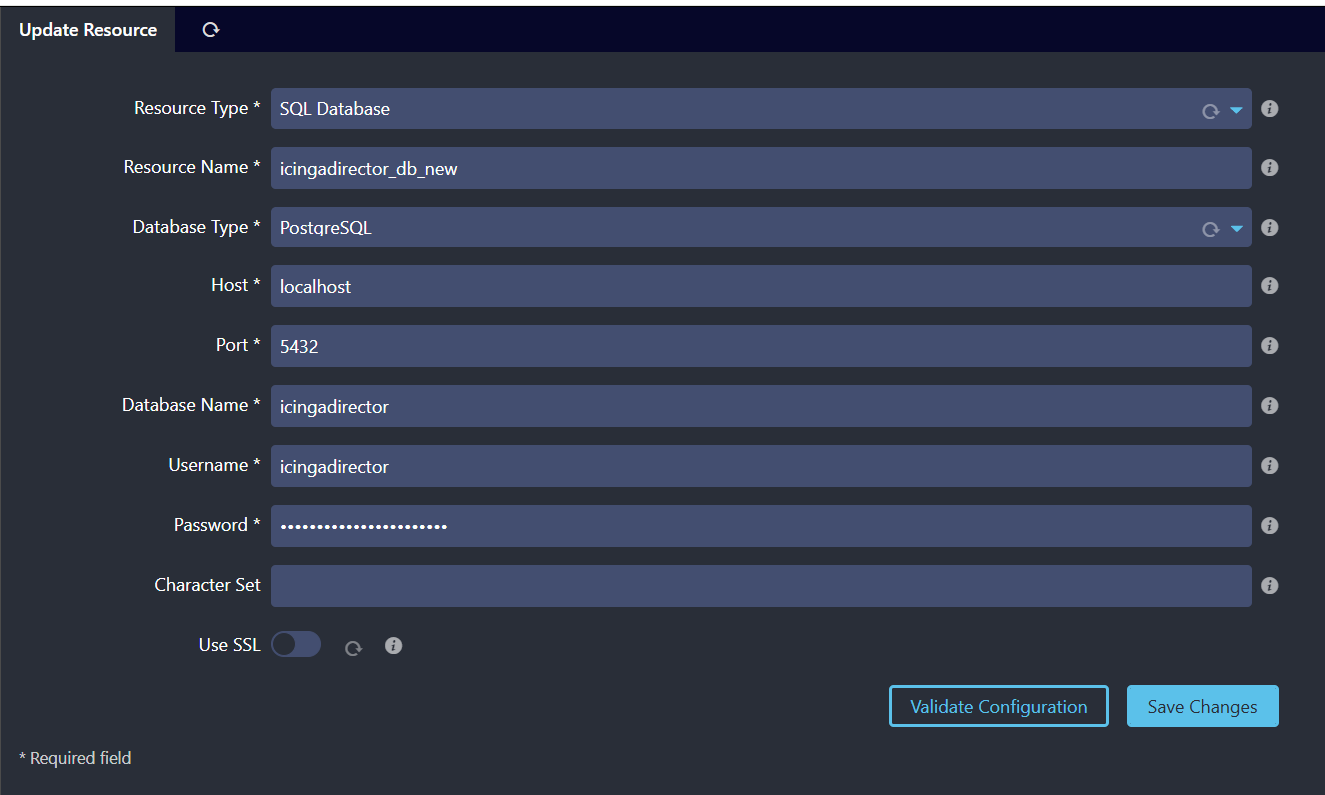
Create Icinga Web resource
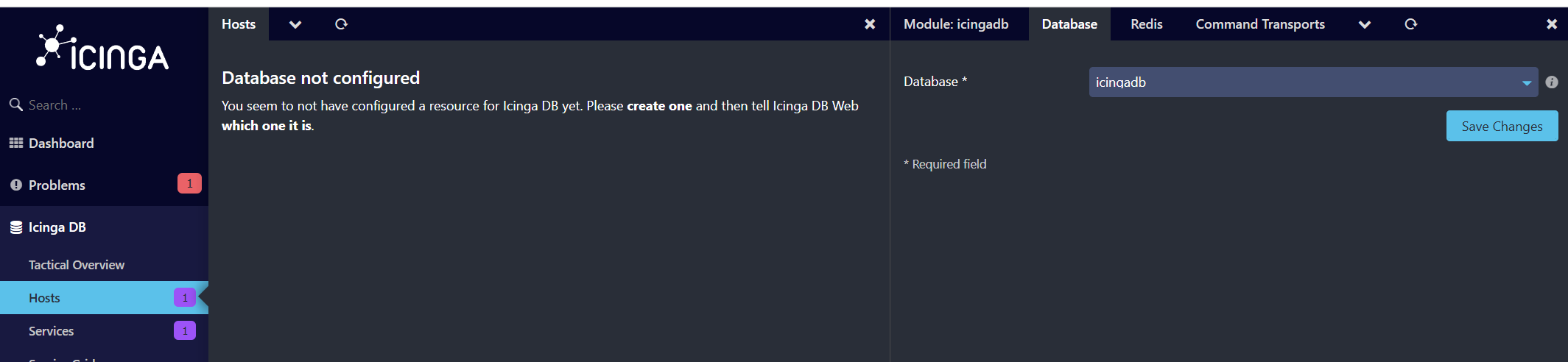
Add the created database as resource in Icinga Web. Then configure it for usage by the Icinga Director module and create the database schema 
After that change the resource back to your MySQL DB for now, to have a working Director.
Create Template for pgloader
# vim director_template.load

LOAD DATABASE
FROM mysql://<mysql director db user>:<password>@<your mysql db host>/<mysql director database name>
INTO postgresql://icingadirector:<password>@<your psql db host>/icingadirector
WITH data only, prefetch rows = 100
SET search_path to 'icingadirector'
INCLUDING ONLY TABLE NAMES MATCHING '@TABLE@'
ALTER SCHEMA '<mysql director database name>' RENAME TO 'public';
the prefetch rows = 100 was necessary for me, otherwise the pgloader would crash on bigger tables, like the activity or deployment log.
Create table list
Then create a file with the tables you want to migrate
HINT: I ran the following on my MySQL DB to get the tables and their approx. size. I omitted tables with 0 rows.
SELECT table_name, table_rows FROM information_schema.tables WHERE table_schema = 'icingadirector' order by table_rows;
# vim tables.txt

icinga_apiuser
director_datafield_category
director_datafield
director_datafield_setting
director_datalist
director_datalist_entry
icinga_command
icinga_command_argument
icinga_command_field
icinga_command_inheritance
icinga_command_var
icinga_zone
icinga_endpoint
icinga_host
icinga_hostgroup
icinga_hostgroup_host
icinga_hostgroup_host_resolved
icinga_host_field
icinga_host_inheritance
icinga_host_var
icinga_timeperiod
icinga_timeperiod_range
icinga_user
icinga_usergroup
icinga_usergroup_user
icinga_user_field
icinga_user_inheritance
icinga_user_states_set
icinga_user_types_set
icinga_user_var
icinga_notification
icinga_notification_field
icinga_notification_inheritance
icinga_notification_states_set
icinga_notification_types_set
icinga_notification_user
icinga_notification_usergroup
icinga_notification_var
icinga_service_set
icinga_service
icinga_servicegroup
icinga_servicegroup_service
icinga_servicegroup_service_resolved
icinga_service_field
icinga_service_inheritance
icinga_service_var
icinga_host_service_blacklist
icinga_dependency
icinga_dependency_inheritance
icinga_dependency_states_set
icinga_scheduled_downtime
icinga_scheduled_downtime_range
director_setting
import_source
import_source_setting
import_row_modifier
import_row_modifier_setting
sync_rule
sync_property
sync_run
import_run
director_activity_log
director_generated_file
director_generated_config
director_generated_config_file
director_deployment_log
branched_icinga_host
director_basket
director_basket_content
director_basket_snapshot
director_branch
director_branch_activity
director_daemon_info
director_job
director_job_setting
Create wrapper script
I then used a small wrapper script that went through the entries one by one (top to bottom), created a separate load file based on the template and then ran the pgloader for the migration.
# vim run_pgloader.sh

#!/bin/bash

TEMPLATE="director_template.load"

while read TABLE; do
    echo "=== Processing table: $TABLE ==="
    LOADFILE="load_$TABLE.load"

    # Create load file by replacing @TABLE@ placeholder
    sed "s/@TABLE@/$TABLE/" "$TEMPLATE" > "$LOADFILE"

    # Run pgloader
    pgloader "$LOADFILE"
    echo "=== Finished: $TABLE ==="
    echo
done < tables.txt
After the migration has finished you can change the datasource of the Director to your psql resource.
In case you have configured jobs (automatic import/sync/deploy) these will run after a short time.