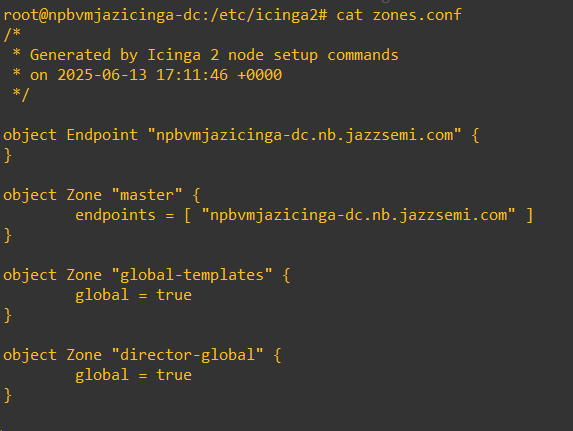
@rivad, @linuxfabrik, @alvar
I appreciate that, it’s why I waited over a week to reply.
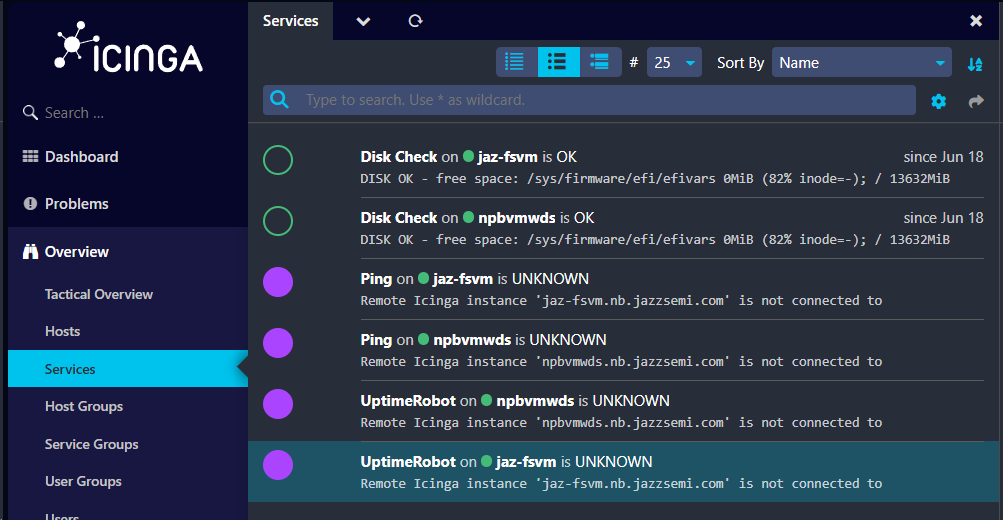
I’ve looked into things, I already had followed the instructions to install the Agent on one of my Windows Servers. I then tried to setup something simple like the uptimerobot service and it’s not working. I set it up just like in the demo, but I’m getting the following:
jaz-fsvm is the Windows Server I’m trying to do the checks on, npbvmicinga-dc is the icinga 2 server I set up. When I set up the agent on jaz-fsvm I pointed it to npbvmicinga-dc as the master, so I don’t know why it’s giving me this error message. Also confusing is that a previous disk check that I setup (not using the Linuxfabrik plugins) is working fine on that system, so clearly it’s communicating with the icinga server, just not for the Linuxfabrik plugins.
@TowerMark the purple UNKNOWN state and “is not connected” messages relate to the icinga2 agent on the target machine, that’s not connected to your Icinga2 master.
This has nothing to do with the plugins and needs to be fixed first.
I’m very confused then, because I have the agent fully installed on jaz-fsvm and as you can see, the Disk Check plugin is working on the same server.
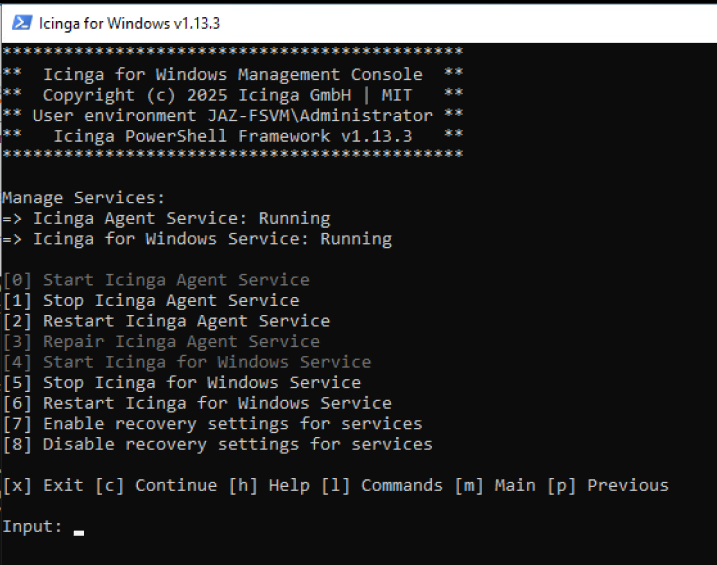
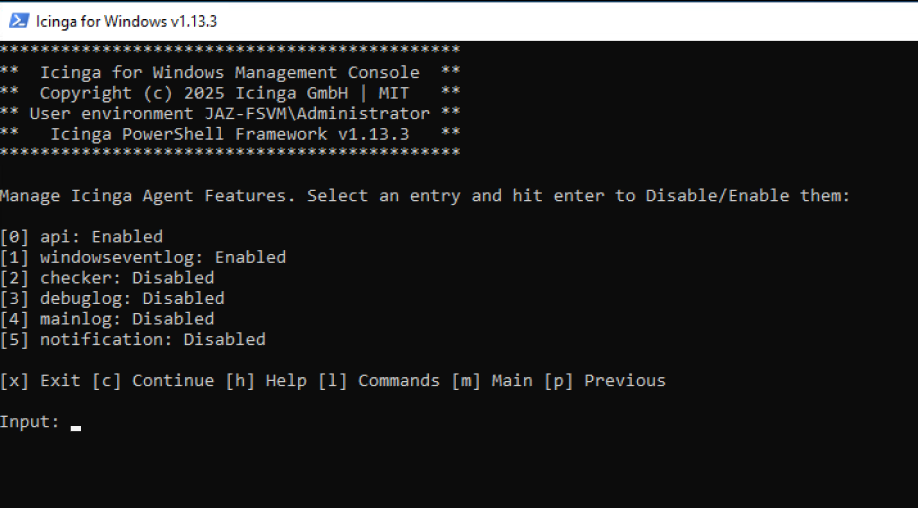
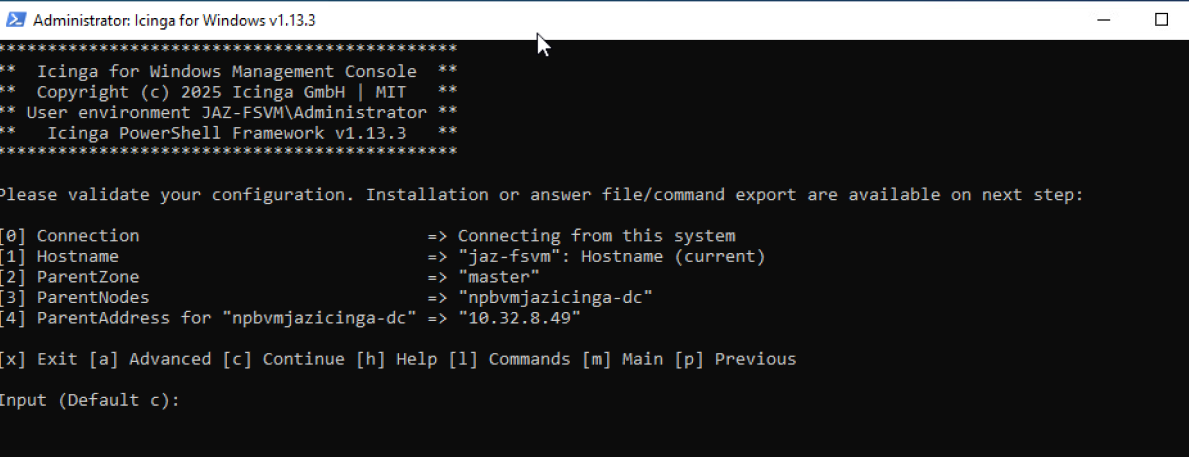
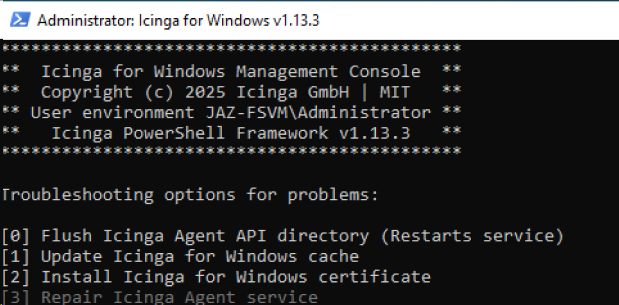
I’m including screenshots of the agent service on jaz-fsvm.
Sigh… Ok, the source is the Icinga server. Not sure how that got screwed up.
But on the other note, what else do I need to do to get the agent installed & connected to the Icinga server so they’re talking to each other? I followed all the steps on all the instruction pages and as you can see in my previous screenshots, it’s fully installed, running and pointing to the icinga server via name and IP. So what’s missing?
I’m not so good with the wizard and prefer Ansible roles and manual changes.
Most of the time it’s a problem with the zones.conf or the Icinga2 PKI (did the master sign the certifiate of the agent?) as the authentication between the nodes happens via TLS certificates and the zones.conf states the zone of the node, it’s parent and who connects (host in Endpoint objects results in connection attempts). Also firewalls could block the connection attempts.
Sorry for being such a pain, I’m a very Linux noob. I’ve spent over 35 years in Windows only, never really played with Linux. So this is all VERY new for me.