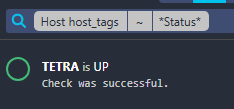
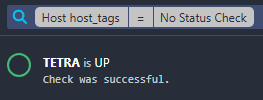
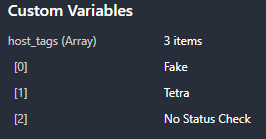
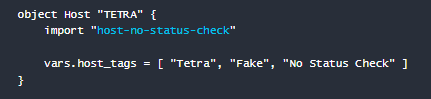
It has been a very long time since I have been using Icinga 1 with NConf, and I think it is time to migrate to Icinga 2 (running under Docker).
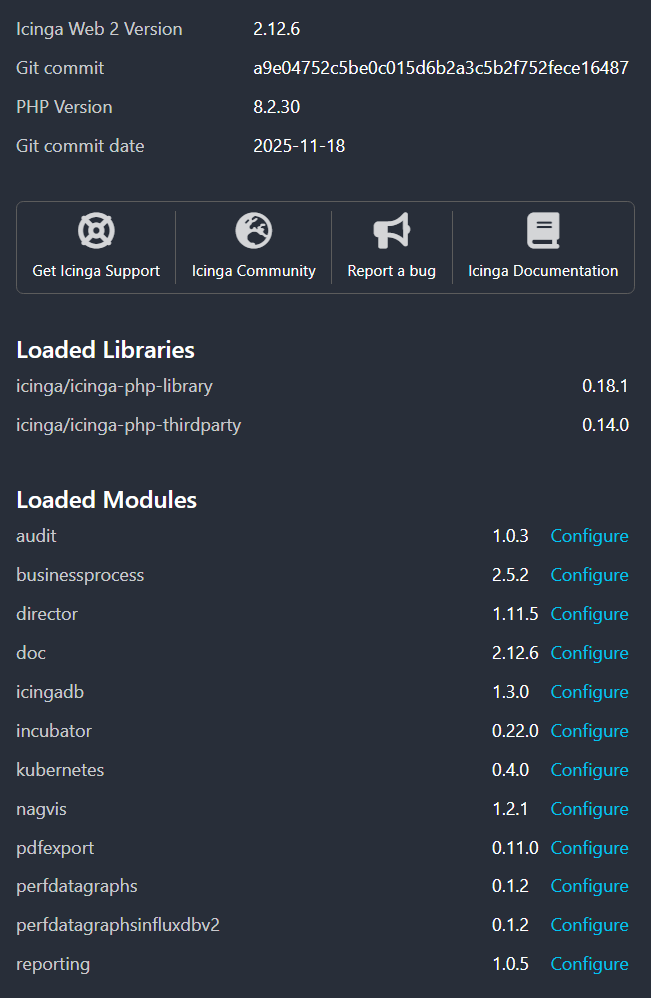
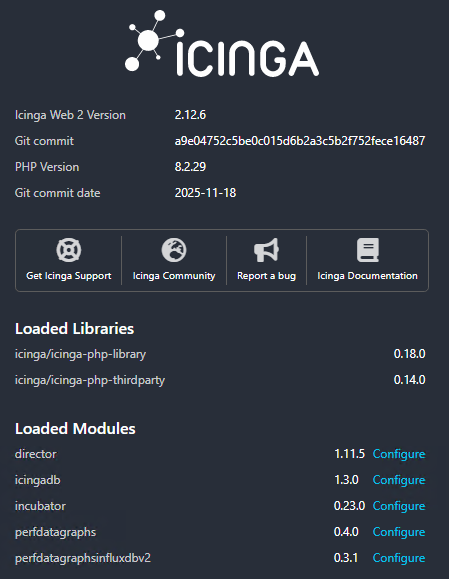
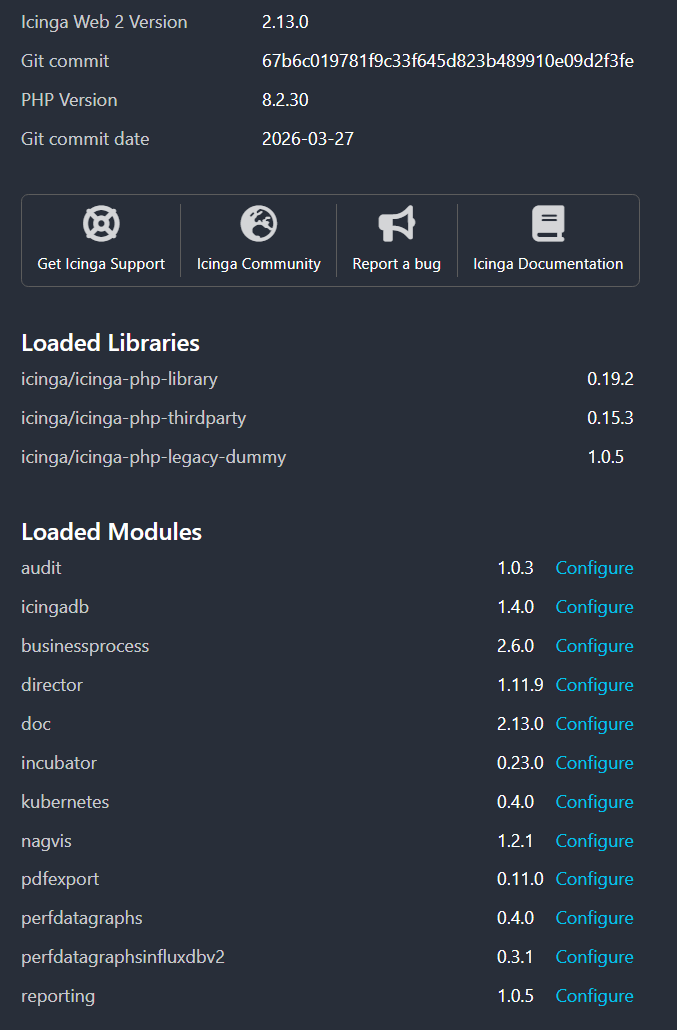
Icinga Web 2 version : 2.13.0
Used modules and their versions (System - About) : director 1.11.8 icingadb1.4.0
Web browser used : Chrome
Icinga 2 version used (icinga2 --version) : 2.16
PHP version used (php --version) : php 8.2.3
Server operating system and version : REHL9
Currently, I have written a small script to extract hosts from our CMDB (JIRA) and reimport them into Icinga Director. To ensuich and later organize my dashboards, I have also created several data fields in Director, such as “Description” or “Datacenter Location”, etc
One of these fields represents our internal “IT Services”.
Data Type: Datalist
Target Data Type: Array
Constraint: A host can have 0, 1, or several IT Services.
The Problem:
When I search for a specific IT Service (…/icingadb/hosts?host.vars.Jira_Service~MyITService), I only retrieve hosts that have exactly that single service. If a host has multiple IT Services assigned, it does not appear in the search results.
Question:
How can I retrieve all hosts that have at least this specific IT Service assigned, regardless of other services they may have?
Would it be possible to change the behavior of the search from the menu to show up same result ( at the moment in find nothing ).
HI bberg, thank for your answer,
the link you send me is more about deep custom variable, and didn t really help me.
Using host.vars.Jira_Service[*] , is simply not recognized in my case…
I had to search : host.vars.Jira_Service ~MyITService | host.vars.Jira_Service = MyITService.
This way i get the host that has At least my IT service and the on that only have the it… not really convenient, compare to last version, but it works !
PS : it there a way to index my custom variable fields to be able to search on it from the search in the left menu ?
Interresting Jean , Can I ask you to do a simple test ?
Can you try to remove tag : Tetra and Fake ( to only keep “No Status Check”)
And then run again this seach :