Hello everyone,
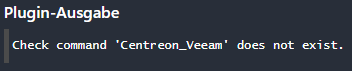
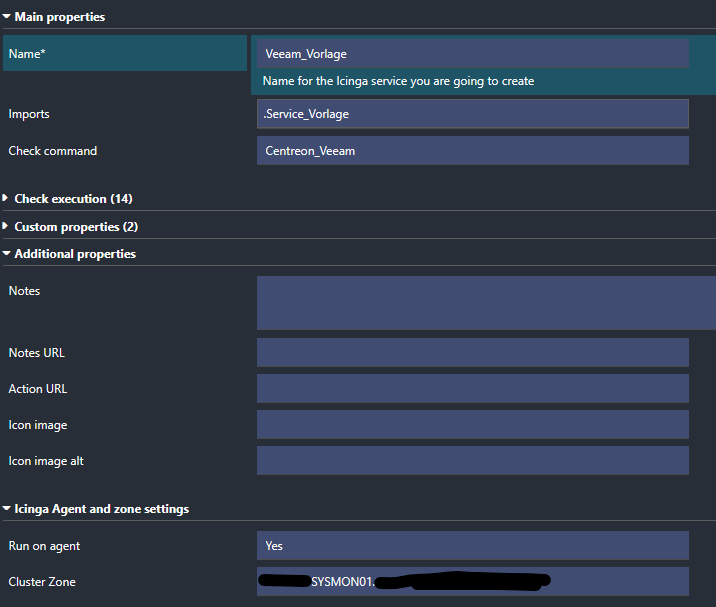
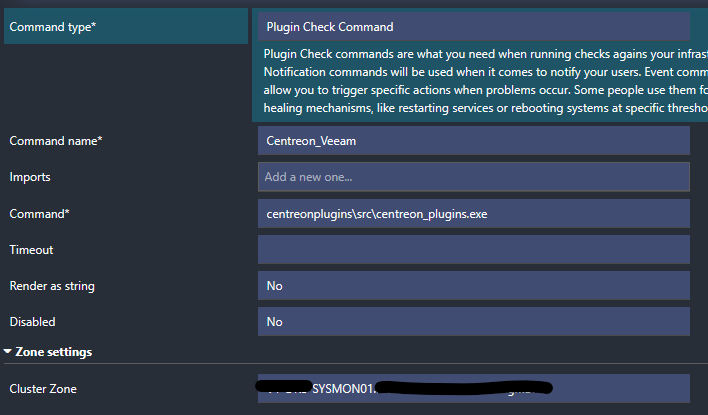
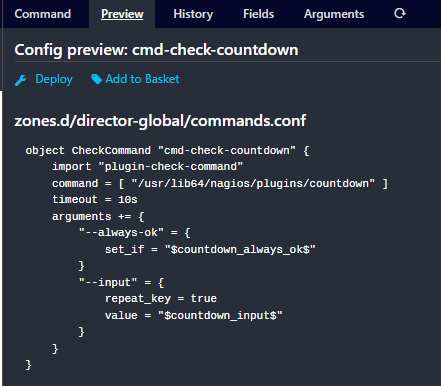
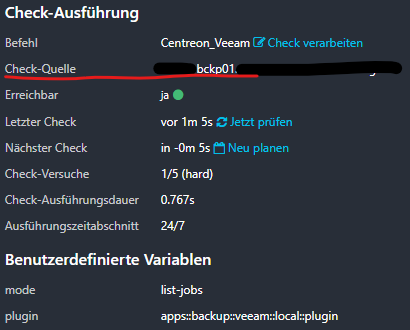
I’m running into an issue with executing Centreon plugins via the Icinga2 agent on Windows, and after checking with the Centreon support team, it seems the problem is related to the Icinga2 configuration rather than the Centreon plugins themselves.
Problem description
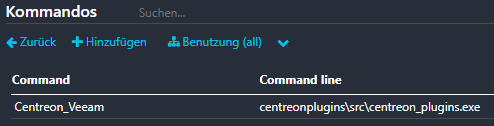
I installed centreon_plugins.exe on three different Windows hosts.
Running standard Icinga2 agent checks works fine, but executing Centreon plugins via Icinga2 does not.
I tested two different plugins to avoid a plugin-specific issue:
-
apps::backup::veeam::local::plugin -
os::windows::local::plugin
Both fail with the same error message:
Command "C:\Program Files\ICINGA2\/sbin/\"C:\Program" "Files\ICINGA2\sbin\centreonplugins\src\centreon.cmd\"" --plugin apps::backup::veeam::local::plugin --mode list-jobs failed to execute: 5, "Access is denied."<Terminated with exit code 127 (0x7F).>

Command "C:\Program Files\ICINGA2\/sbin/\"C:\Program" "Files\ICINGA2\sbin\centreonplugins\src\centreon.cmd\"" --plugin os::windows::local::plugin --mode time failed to execute: 5, "Access is denied."<Terminated with exit code 127 (0x7F).>
Running the same commands manually works fine when executed as Domain Admin.
I already tested different user accounts for the Icinga2 Agent service:
-
Local System
-
Network Service
-
Domain Admin
The result is always the same: “Access is denied.”
The Icinga2 debug logs only show exit code 3 and the same access denied message. No further details.
Important note from Centreon support
I already opened a case at Centreon. According to their feedback:
The
centreon_plugins.exebinary works fine.
You need to check the configuration of the Icinga2 agent, which we do not know and do not support here at Centreon.
So it looks like the issue is not caused by the plugins themselves.
Question
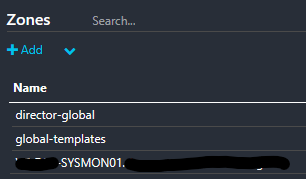
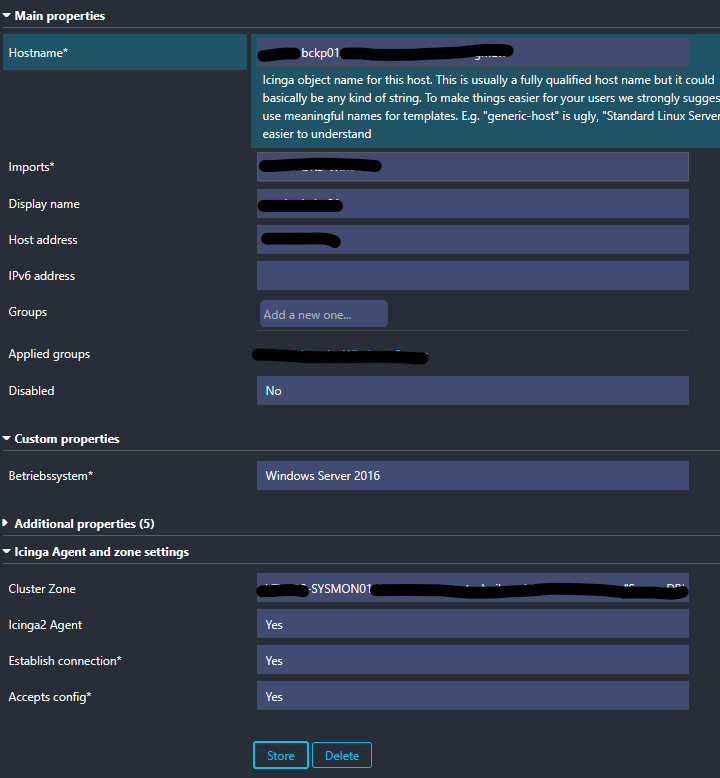
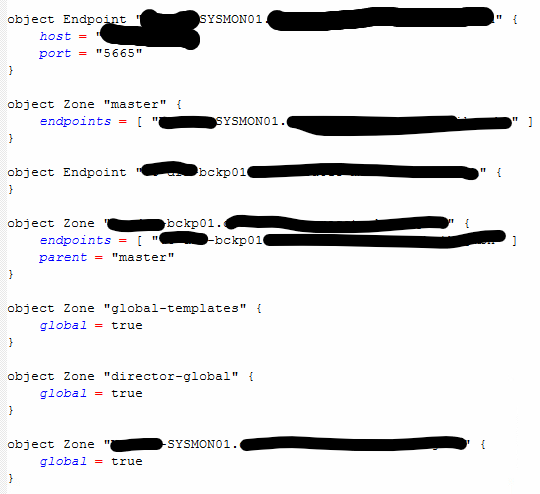
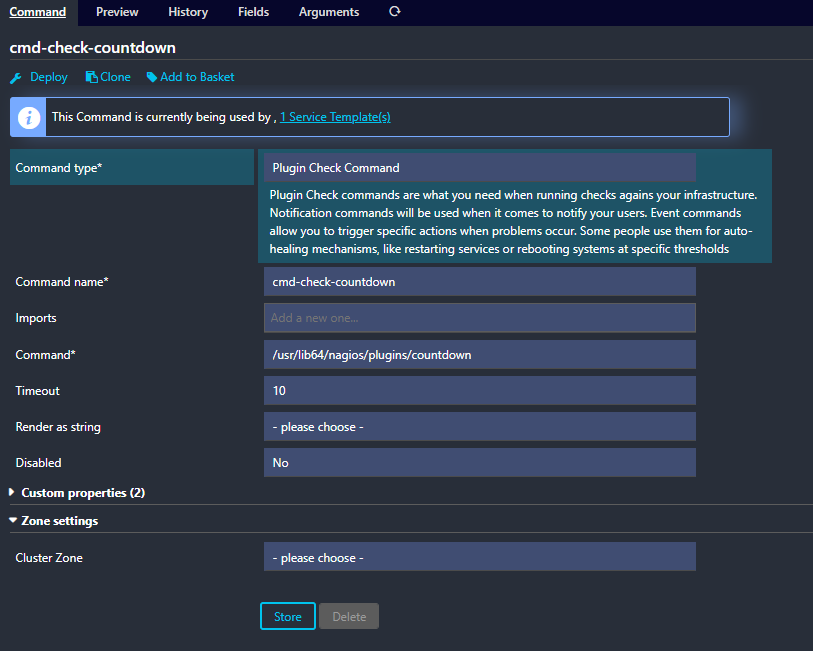
Is there any known issue, permission requirement, or special configuration for allowing Icinga2 on Windows to execute external commands like the Centreon plugin executable?
Are there recommended debugging steps on the Icinga2 side?
Information about the running icinga2:
-
Icinga for Windows output

-
Version used

-
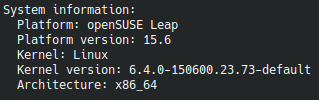
Operating System and version
-
Enabled features

-
Icinga Web 2 version and modules

-
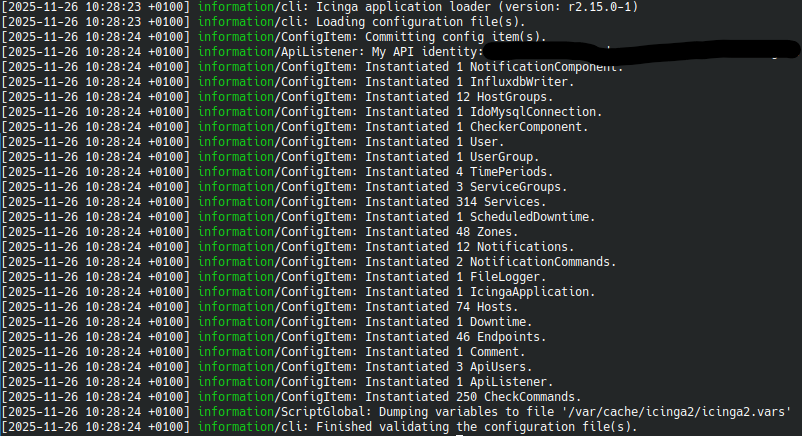
Config validation
Thanks in advance!