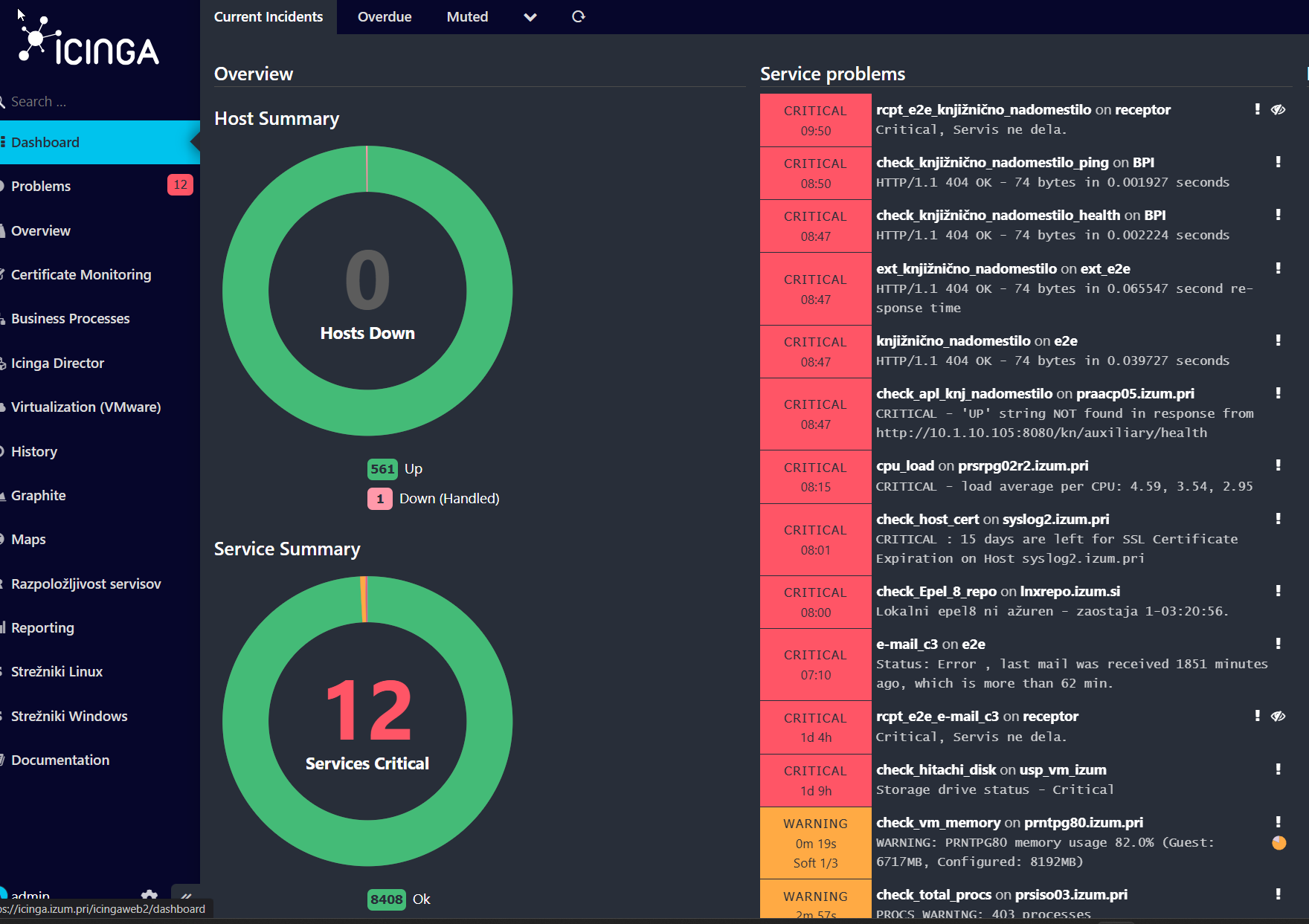
Well, I am not sure, but Icinga2 log is saying:
[2025-12-23 06:24:26 +0100] critical/ApiListener: Cannot connect to host ‘10.1.100.48’ on port ‘5665’: Operation canceled.
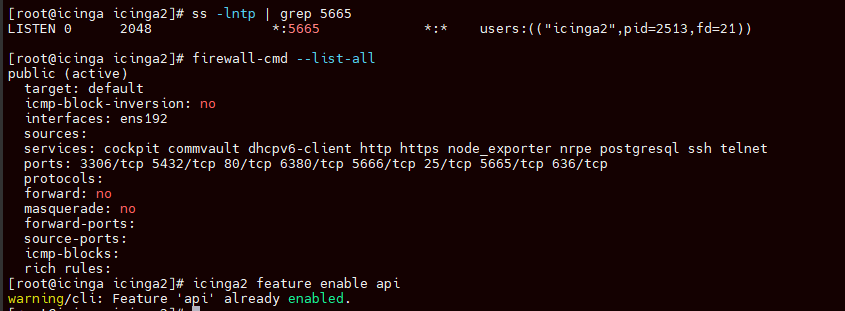
But Api seems to be ok:
It still won’t login with ldaps user:
I am curious if maybe these settings are ok? Because it works with local admin from database, but when trying with ldaps it’s like transaction don’t finish at all.
vi /etc/icingaweb2/authentication.ini
[icingaweb2]
backend = “db”
resource = “icingaweb_db”
[auth_ldap]
backend = “msldap”
resource = “ad”
user_class = “user”
group_class = “group”
group_member_attribute = “member”
user_name_attribute = “sAMAccountName”
#filter = “memberOf=cn=Domain Users,CN=users,DC=izum,DC=pri”
#filter = “memberOf=cn=icinga,ou=DostopDoObjektov,ou=Skupine,dc=izum,dc=pri”
filter = “!(objectClass=computer)”
vi /etc/icingaweb2/resources.ini
[ad]
type = “ldap”
hostname = “intdc8.izum.pri”
port = “636”
#port = “389”
encryption = “ldaps”
#root_dn = “ou=sodelavci,dc=izum,dc=pri”
root_dn = “dc=izum,dc=pri”
bind_dn = “CN=Icinga Ldap,OU=ServisniUporabniki,OU=Ostalo,DC=izum,DC=pri”
bind_pw = “XXX”
encryption = “none”
Also it works very slow, could maybe last update ruined anything?
It stopped working and start working very slowly from 16. 12. 2025, atleast i think so:
[root@icinga icinga2]# dnf history
ID | Command line | Date and time | Action(s) | Altered
143 | history undo 142 | 2025-12-19 07:43 | Removed | 5
142 | install python3-pywbem | 2025-12-17 09:06 | Install | 5
141 | install -y python3 python3-pip | 2025-12-17 08:59 | Install | 147 EE
140 | update | 2025-12-16 07:48 | Upgrade | 4