Hi all,
so I have an issue with my Powershell Script. It is located under C:\Program Files\ICINGA2\sbin\check_users.ps1, as per this “Guide” a Person once wrote here > Windows PowerShell Checks with Icinga2 - Meta Icinga / Tutorials and Guides - Icinga Community
But I do all of that via the Director / Frontend. My Server is an Windows Server with the Icinga2 Agent already installed and running.
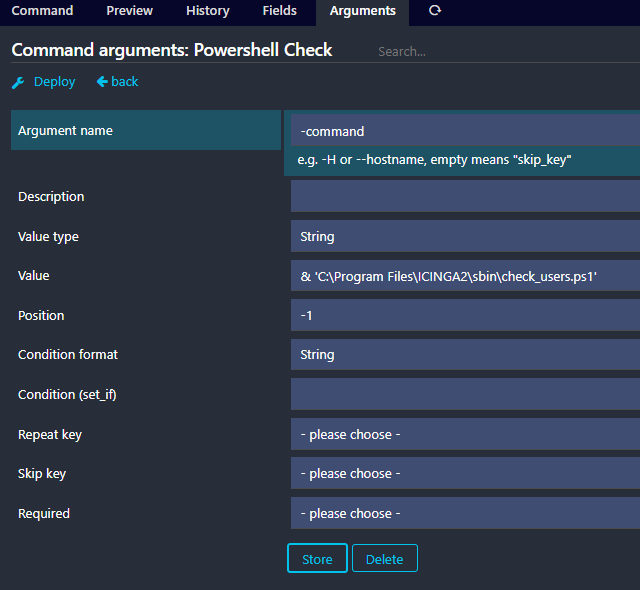
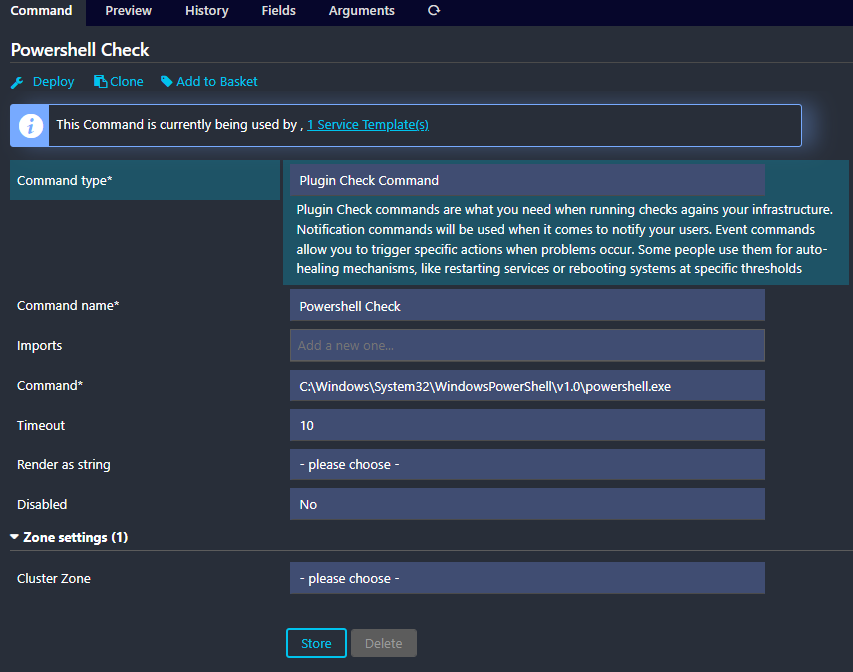
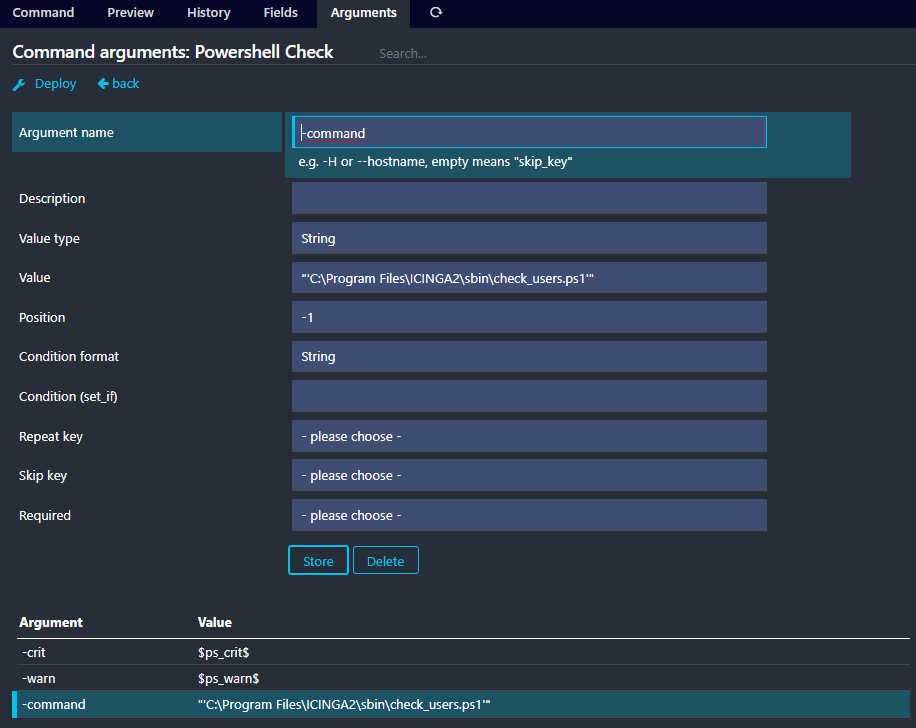
I have the following Configuration:
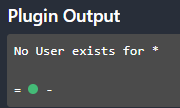
Yet the output is the following:
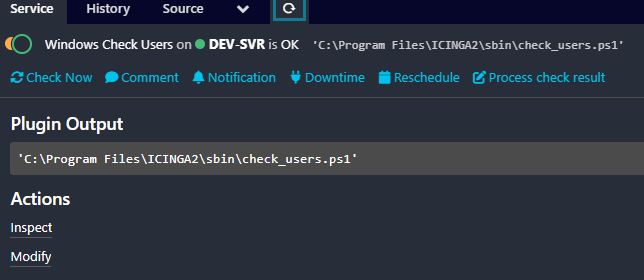
And I do honestly not know, how to fix it.
The Script itself looks like this:
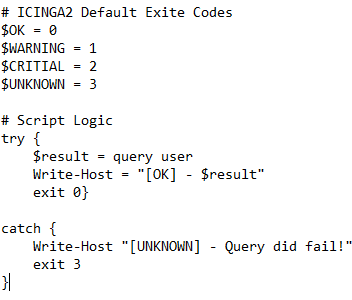
Any help is highly appreciated!
Sincerly,
MusicBoy