Hey all,
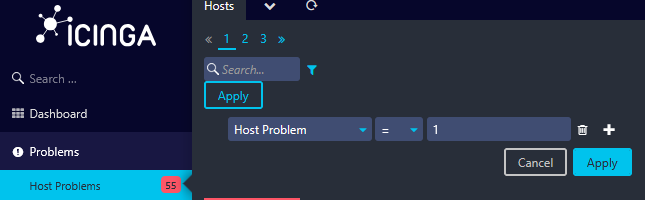
Relatively new to Icinga here. Question about the “Problems” section - how does one change the default filter to include additional conditions? We have a variable “Host Lifecycle Phase” which is either “Active” or “Decommissioned” and I want to include “Host Lifecycle Phase = Active” as one of the default conditions so servers marked decommed don’t indefinitely show up as Down.
Thanks!
