If you’re like me, your Mac is your command center, but the notification clutter can get real. We’ve all missed that one crucial alert because it disappeared into the void of the Notification Center.
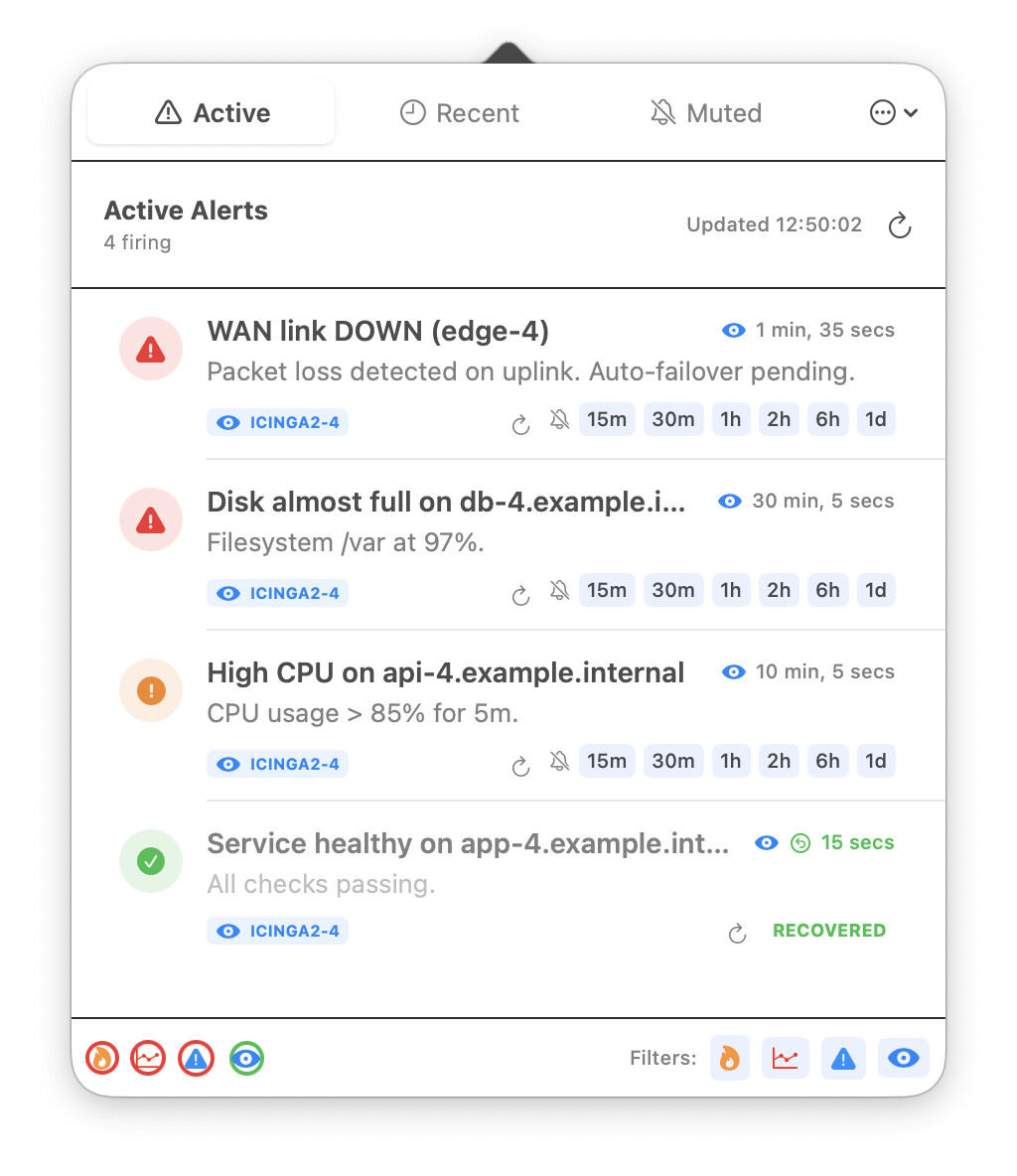
I decided to build a solution specifically for us. I’ve developed a macOS app that captures your notifications and presents them exactly where you need them either as persistent system alerts or a sleek window right in your Menu Bar.
It’s designed to feel native, stay out of your way, and ensure your workflow stays uninterrupted while keeping you in the loop.
Why it’s a game-changer for your Mac:
Menu Bar Integration: Instant access without cluttering your dock.
Persistent Alerts: Choose which notifications deserve an “alert” style so they don’t disappear until you’ve seen them.
Native Experience: Built to look and feel like it belongs on your desktop.
I’m looking for fellow macOS users to test it out. I have a batch of free promo codes ready to go. If you want to streamline your desktop and give it a spin, just drop a comment below or send me a DM, and I’ll hook you up with a code!
This seams like a good idea at first but I would distinguish between 3 possibilities:
Muting an alert locally only on this mac
acknowledge an alert with a comment (this prevents further notification for others but does not improve an sla)
setting a downtime (this stops further notifications and “improves” the sla)
Every Icinga SLA reporting functionality counts a “scheduled downtime” as if the host or service is in a good state.
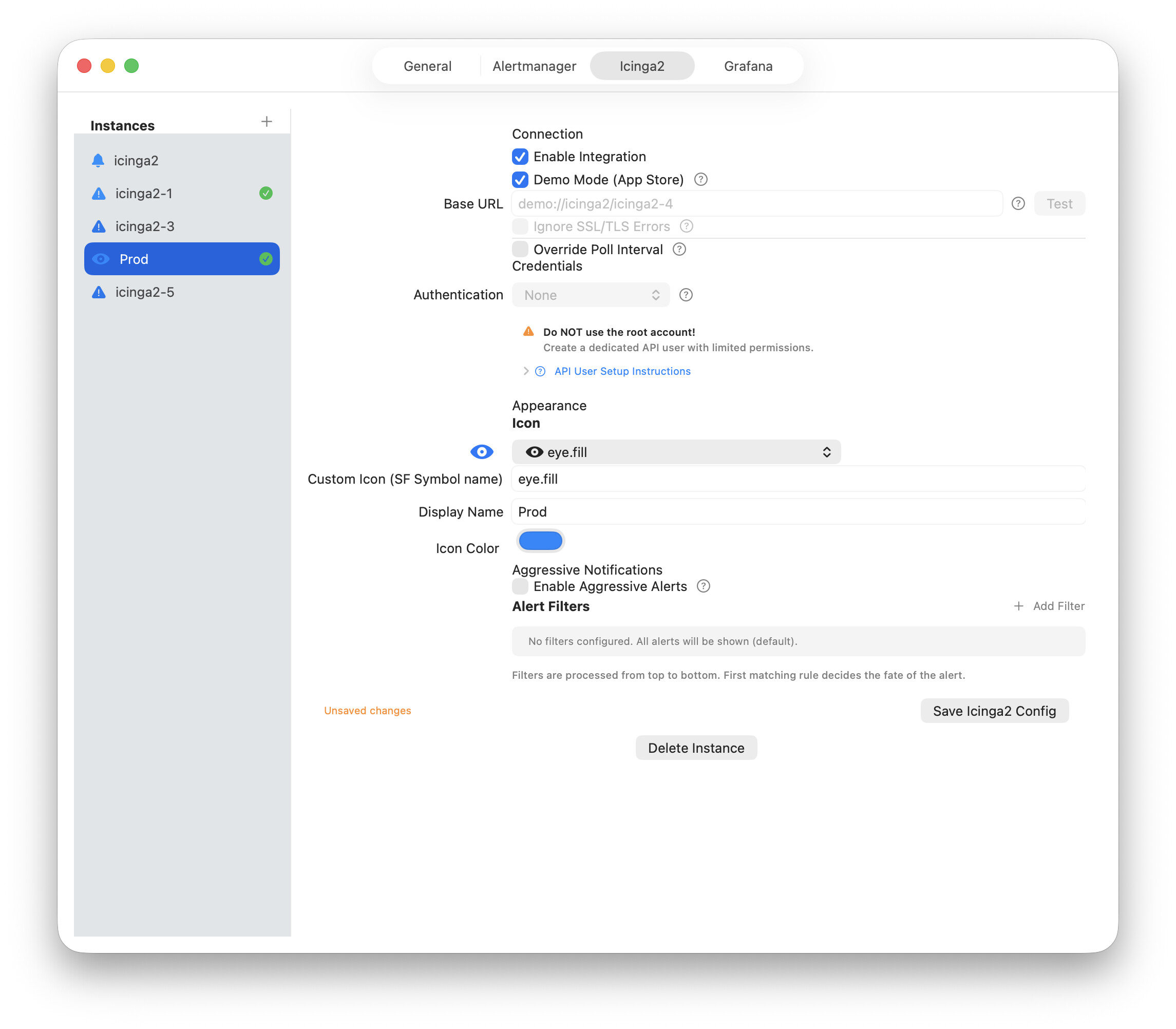
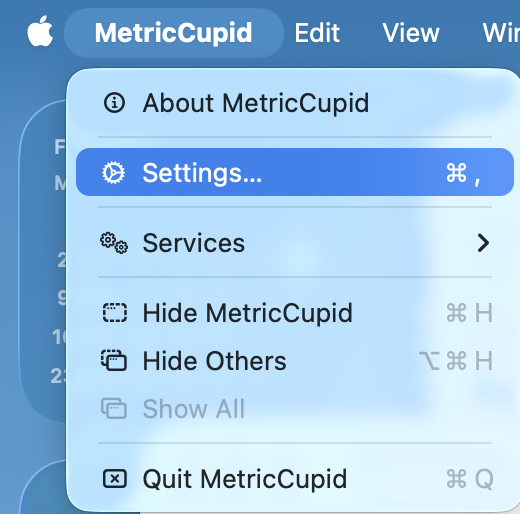
If I close MetricCupid, I can’t edit the icinga instance settings after repopening.
If I add a new one and delete it instantly the previous icinga instance is selected and editable.
I really like the pull idea and the notifications integrate nicely into the macos
Since this is obviously closed source I can’t check if the following idea is implemented or not:
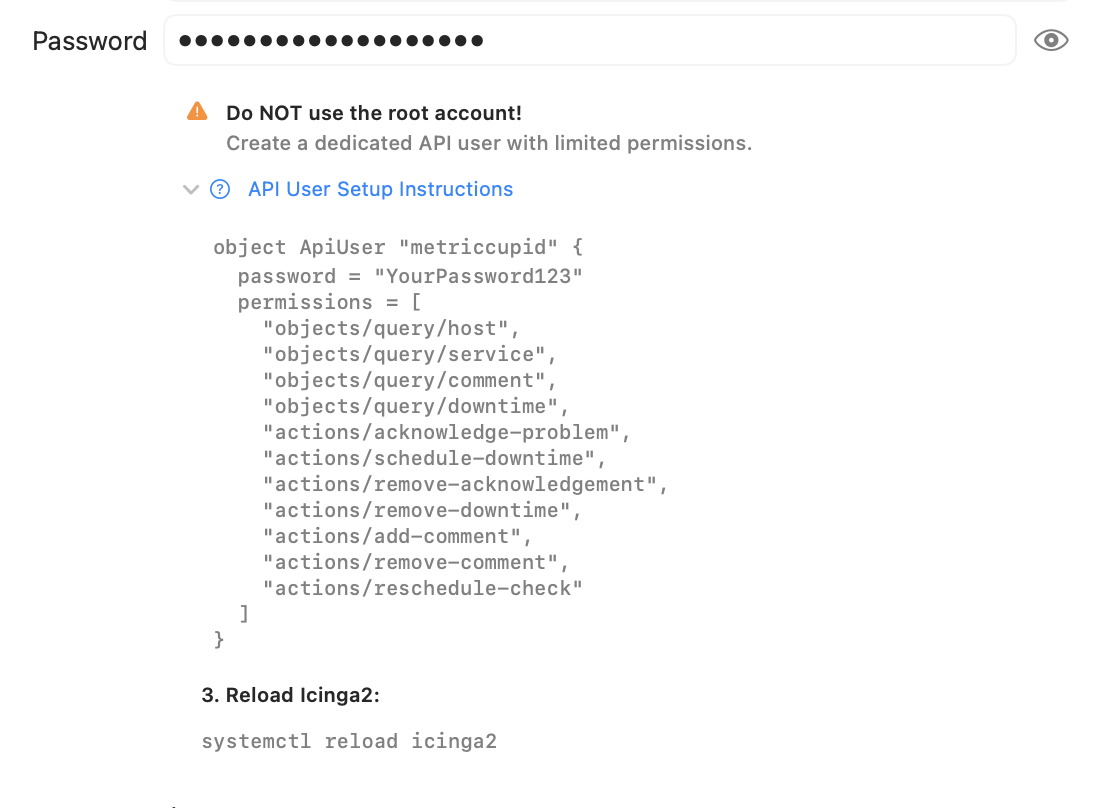
I would want some certificate pinning method if the icinga2 api approach is used. Nearly every setup makes use of the IcingaCA, so almost every icinga-master certificate is selfsigned. On initial connection you could show some certificate details and store the certificate hash and only connect to the icinga instance if the hash matches. Maybe also add a pairing button or something if the certificate changes.



 x
x